
Schedule a flow
Copy page
This guide shows you how to run a flow on a cron schedule. You add a schedule trigger to the flow file, check the next fire time, and choose what happens after a time that Sluice missed.
Add a schedule trigger
Section titled “Add a schedule trigger”-
Open the flow file in the namespace editor.
-
Add a trigger of type
schedulewith acronexpression and atimezone:id: nightly-loadtriggers:- { id: nightly, type: schedule, cron: "0 2 * * *", timezone: Europe/Zurich }tasks:- id: loadtype: scriptfile: pipelines/load.pyThis trigger fires at 02:00 each day, Zurich time.
-
Save the file. The server validates the flow and activates the trigger.
-
Open the flow page and select the Triggers tab. The trigger shows Active and its Next fire time.
A trigger fires only while its flow is valid and enabled. The Enabled switch on the flow page turns all triggers of the flow off. A manual run still works on a disabled flow.
A new trigger fires first at the next fire time after you save it. It does not fire times from the past.
Write the cron expression
Section titled “Write the cron expression”cron has five fields: minute, hour, day of month, month and day of week.
| Expression | Fires |
|---|---|
*/15 * * * * |
Every 15 minutes. |
0 2 * * * |
At 02:00 each day. |
30 6 * * 1-5 |
At 06:30 from Monday to Friday. |
0 0 1 * * |
At 00:00 on the first day of each month. |
Four descriptors also work:
| Descriptor | Same as |
|---|---|
@hourly |
0 * * * * |
@daily |
0 0 * * * |
@weekly |
0 0 * * 0 |
@monthly |
0 0 1 * * |
Other descriptors, for example @yearly or @every 5m, fail validation with invalid_cron. When both day fields have a restriction, a day matches when either field matches. This is the standard cron rule.
Set the time zone
Section titled “Set the time zone”timezone is an IANA name, for example Europe/Zurich or America/New_York. The default is UTC. Sluice reads the cron fields as wall times in that zone. An unknown name, and the name Local, fail validation with unknown_timezone.
At a daylight saving change, a daily schedule still fires once each day:
| Case | Rule | Example: 30 2 * * * in Europe/Zurich |
|---|---|---|
| The wall time does not exist | Sluice fires at the same wall time with the offset before the change, one gap later. | On 29 March 2026, 02:30 does not exist. The trigger fires at 03:30 CEST (01:30 UTC). |
| The wall time exists twice | Sluice fires once, at the first instant. | On 25 October 2026, 02:30 occurs twice. The trigger fires at 02:30 CEST (00:30 UTC). |
Choose what happens after missed times
Section titled “Choose what happens after missed times”A fire time counts as missed when no Sluice instance ran the scheduler at that time. Precisely: a later fire time also passed, or the time passed more than 30 seconds ago.
catch_up decides what Sluice does when it finds missed times:
catch_up |
Effect |
|---|---|
last (default) |
Sluice fires once, for the latest missed time. |
none |
Sluice fires no missed time. The next time in the future fires as normal. |
Example: an hourly schedule stops over 01:00, 02:00 and 03:00. At 03:10, last creates one execution for 03:00, and none creates none. Both fire at 04:00.
Use none for work that has no value after its time, for example a report that goes out at 08:00. Use last for work that must catch up once, for example a load of new data.
Catch-up applies only to an outage of the scheduler. Some changes start the schedule again from the next fire time, and they fire no missed time:
- You enable a disabled flow.
- A save makes an invalid flow valid again.
- A save changes the fields of the trigger.
Pass the fire time to the flow
Section titled “Pass the fire time to the flow”The trigger payload holds scheduled_for, the fire time in RFC 3339 and UTC. The trigger inputs map sets flow inputs from it:
id: daily-reportinputs: - { id: day, type: string, required: true }triggers: - id: daily type: schedule cron: "@daily" catch_up: none inputs: { day: "${{ trigger.scheduled_for }}" }tasks: - id: report type: script file: pipelines/report.py args: ["--day=${{ inputs.day }}"]A trigger input can read only trigger.<path>. When a template or an input check fails, Sluice starts no execution. It writes the audit event trigger.failed, and the schedule moves to its next fire time.
A run of a missed time gets the missed time in scheduled_for, not the time of the catch-up.
See the next fire times
Section titled “See the next fire times”Three places list the next fire times of active schedules:
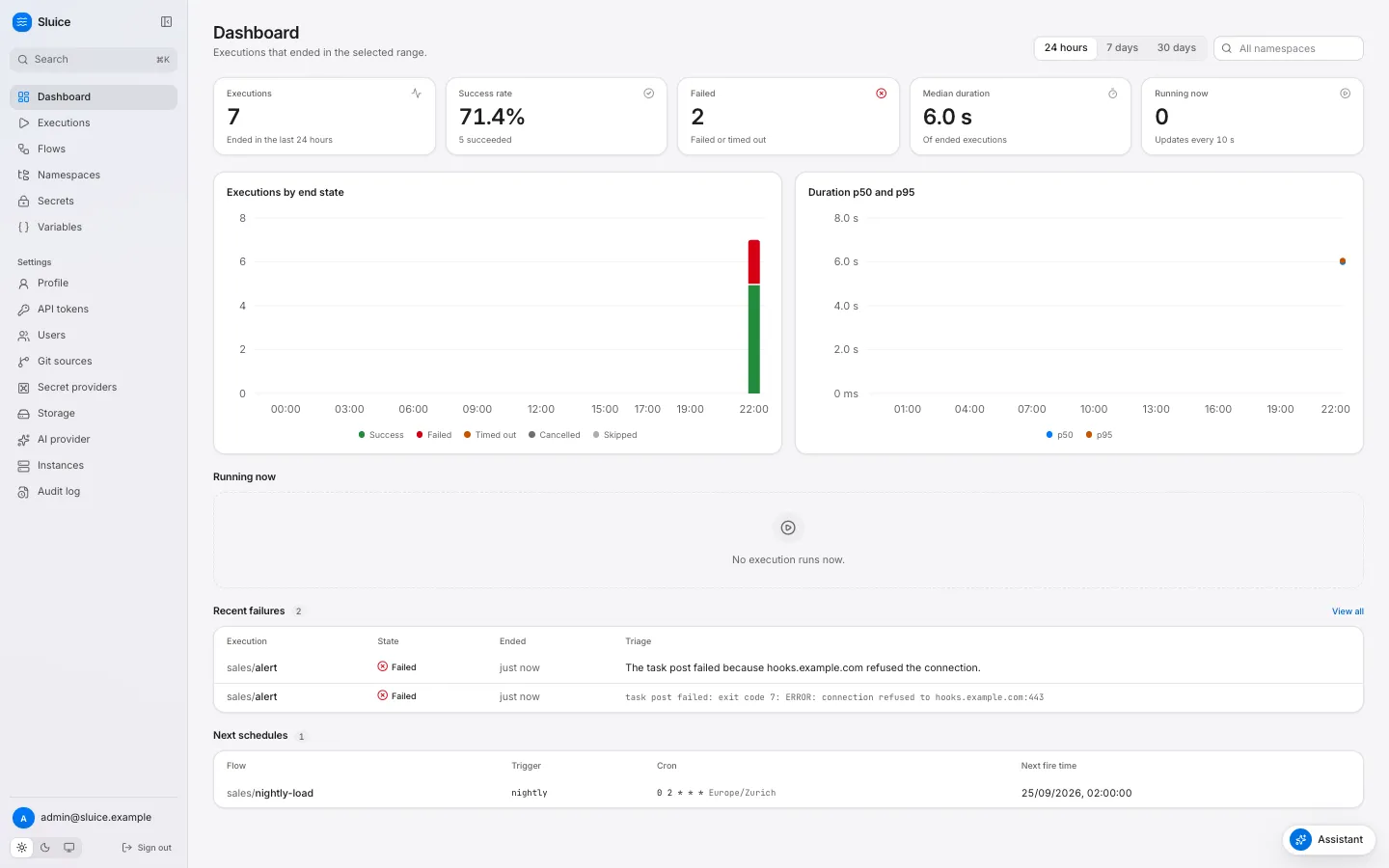
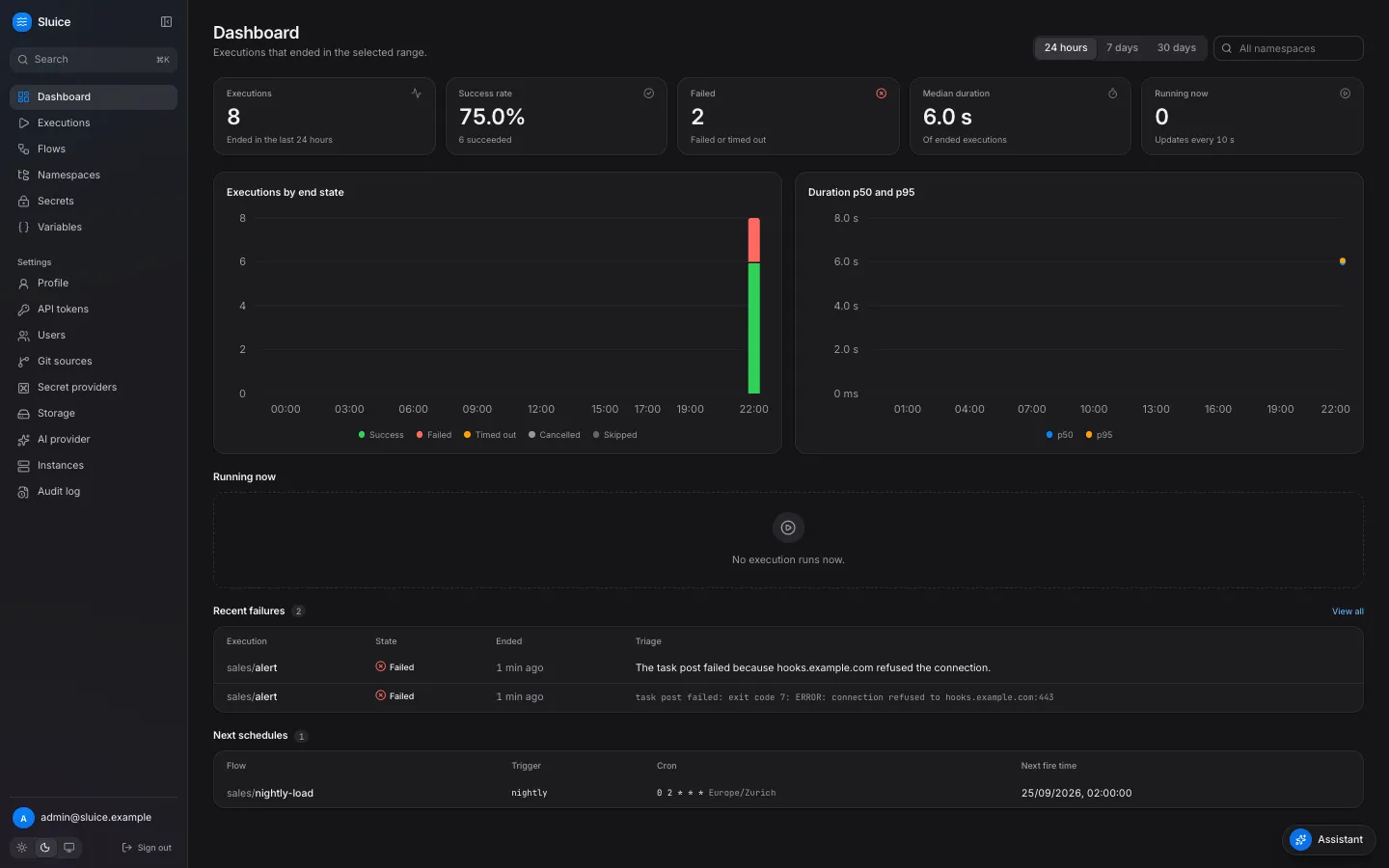
- The Next schedules section of the dashboard shows the next 10.
- The Triggers tab of a flow shows Next fire time for each schedule trigger.
GET /api/v1/schedules/upcomingreturns them. Usenamespaceto filter by a namespace and its children, andlimitfrom 1 to 200.
curl "$SLUICE_URL/api/v1/schedules/upcoming?namespace=sales&limit=5" \ -H "Authorization: Bearer $SLUICE_TOKEN"{"items": [{"namespace": "sales", "flow_id": "nightly-load", "trigger_id": "nightly", "cron": "0 2 * * *", "timezone": "Europe/Zurich", "next_fire_at": "2026-09-25T00:00:00Z"}]}next_fire_at is in UTC.