
Flows are files
A flow is a YAML file next to the scripts it runs. Edit it in the browser, sync it from git, or push it from CI with sluice namespaces push. Every save is a version.
Sluice is one binary: the server, the web UI, the CLI and an MCP server. It needs only Postgres.
export SLUICE_BOOTSTRAP_ADMIN_PASSWORD=change-me-now-1export SLUICE_MASTER_KEYS="k1:$(openssl rand -base64 32)"docker compose -f deploy/compose/compose.yml up -dOpen http://localhost:8080, sign in as admin@local.test, and run a flow.
Flows are files
A flow is a YAML file next to the scripts it runs. Edit it in the browser, sync it from git, or push it from CI with sluice namespaces push. Every save is a version.
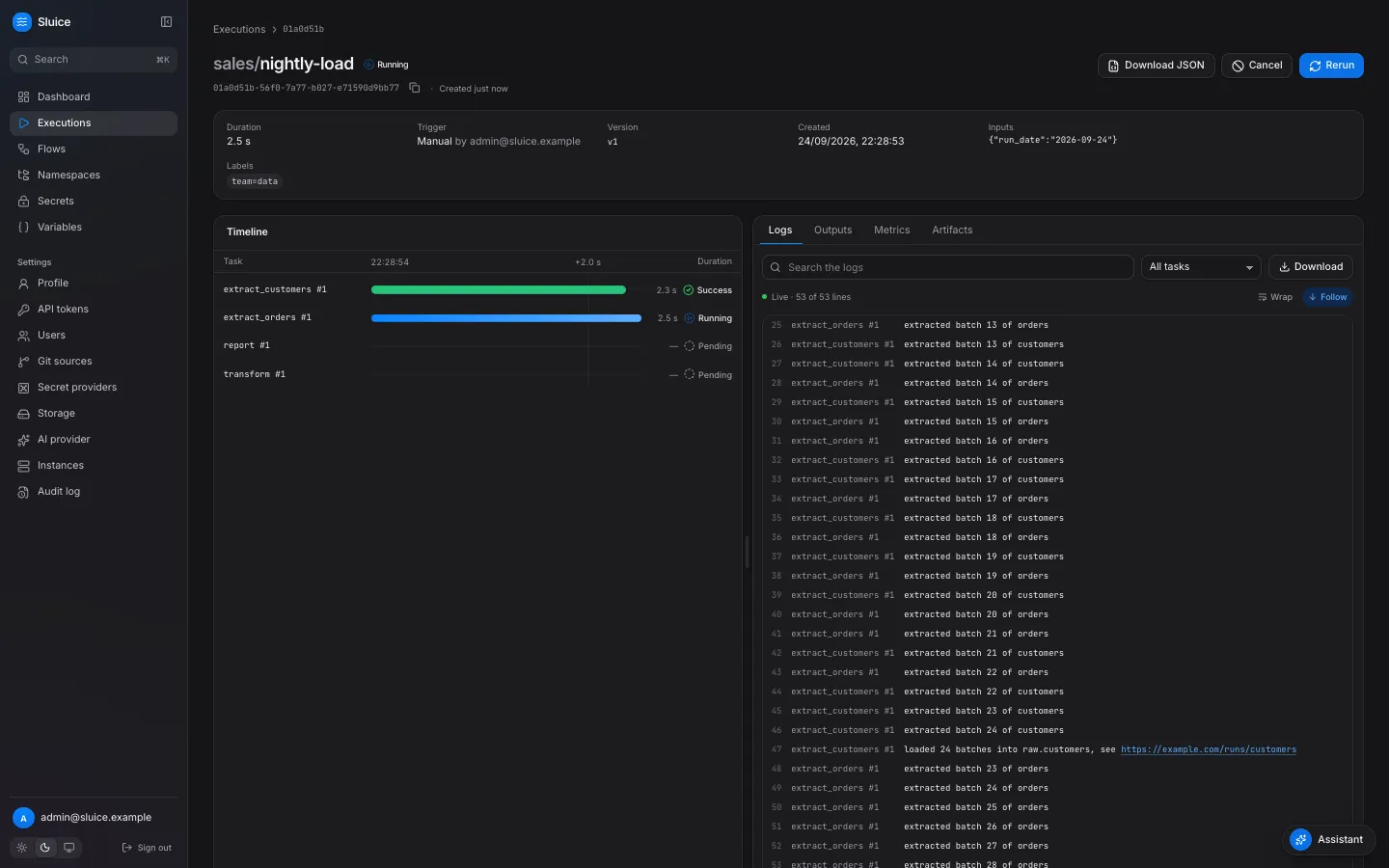
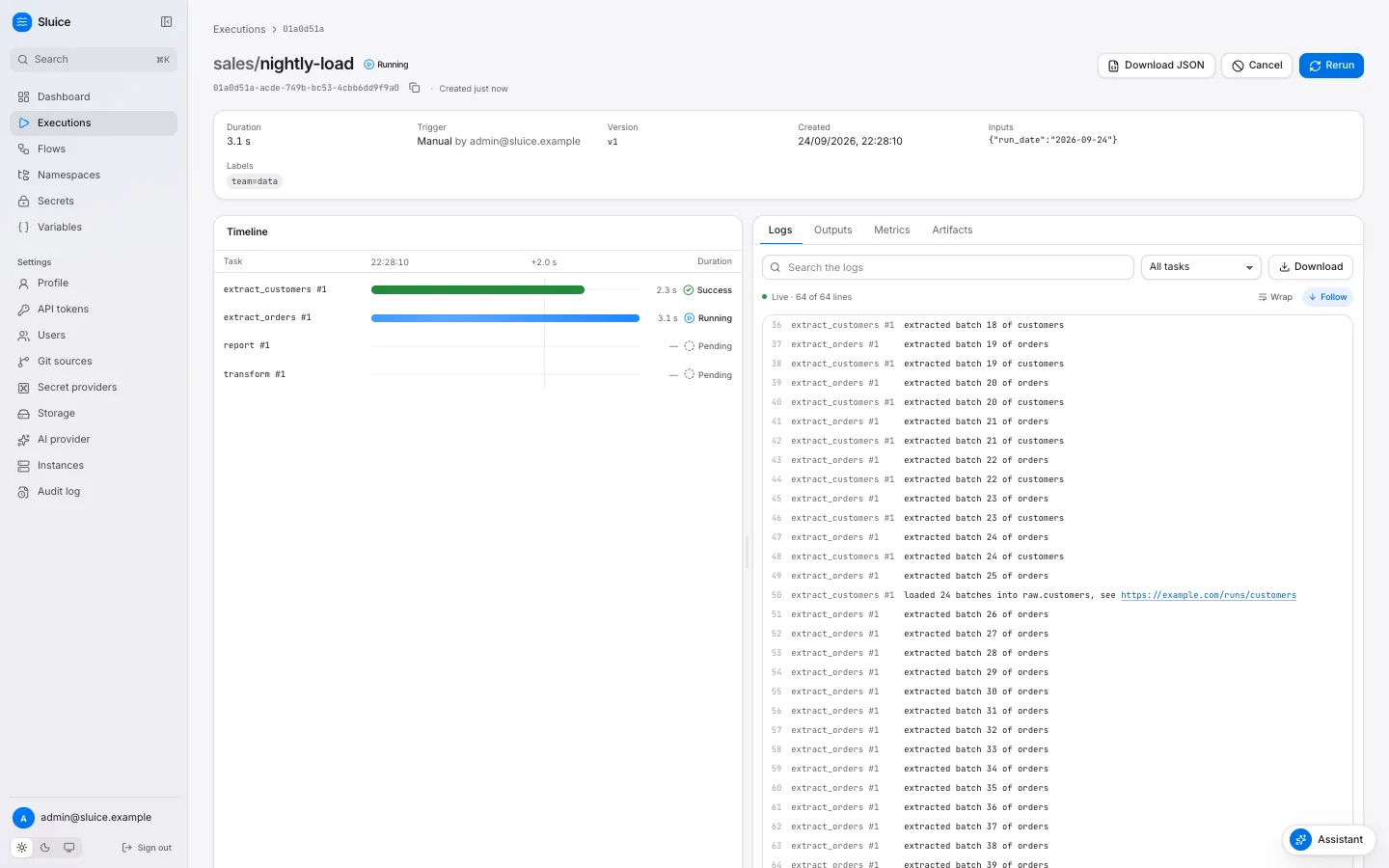
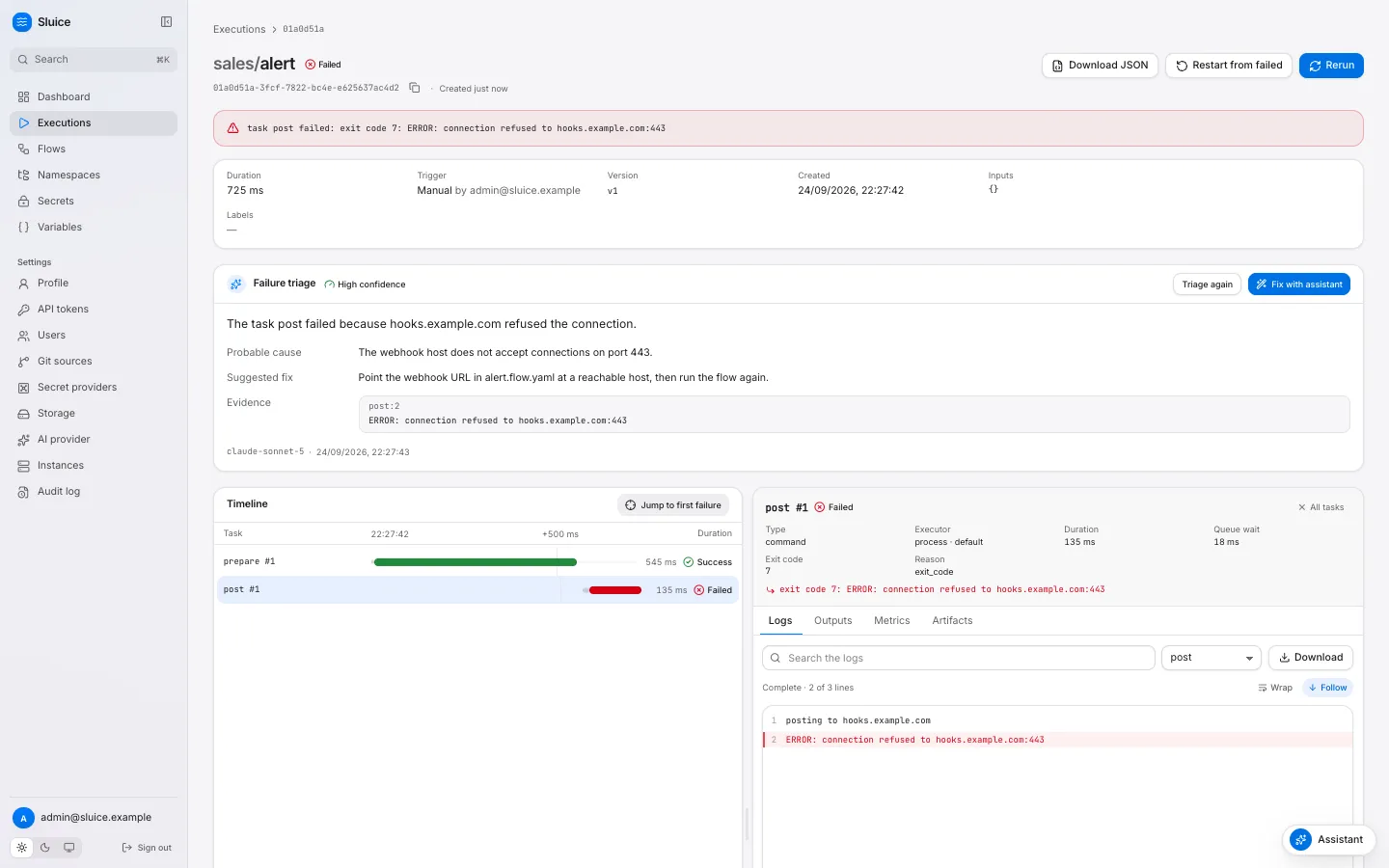
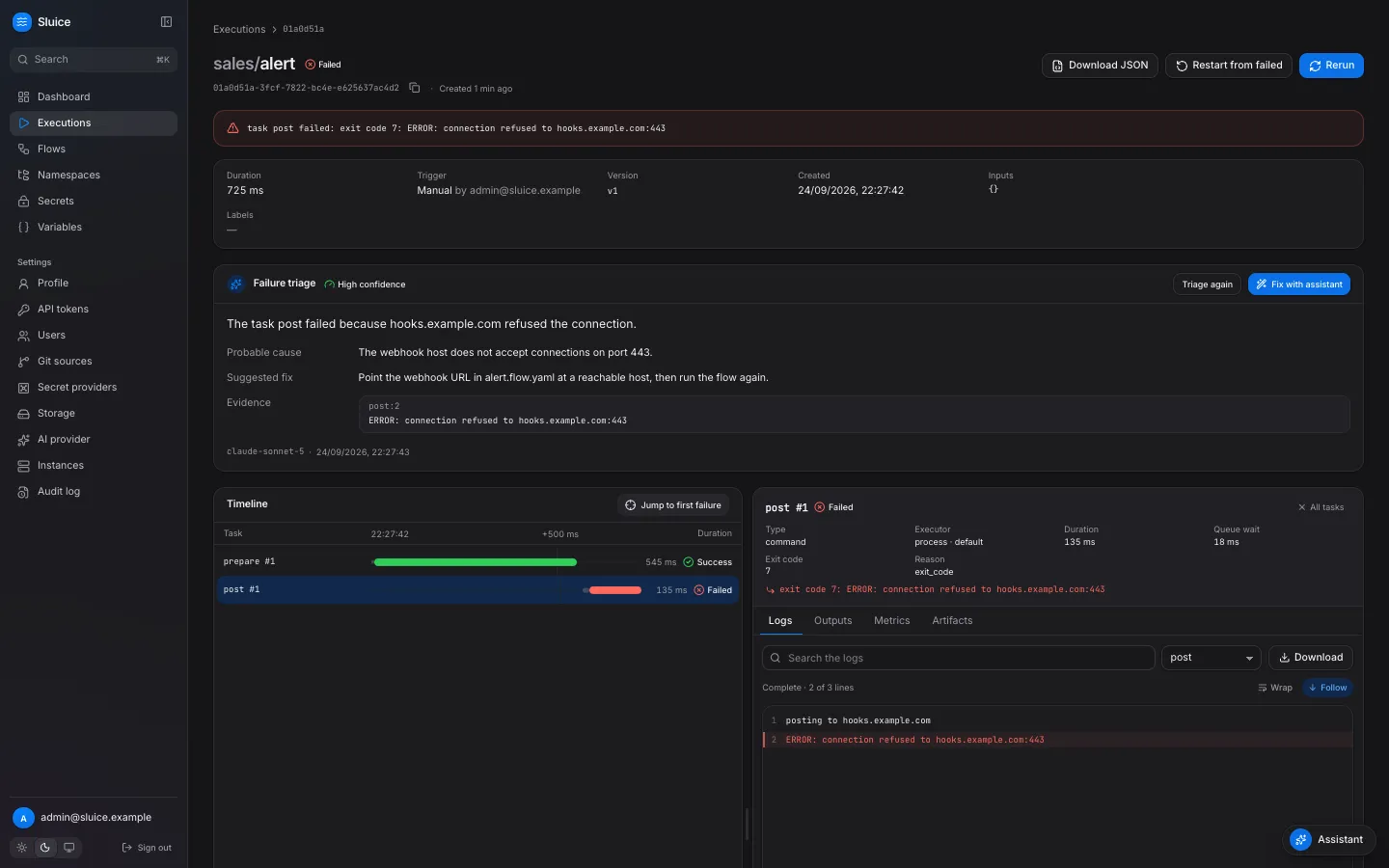
Watch every run
The execution page shows a live waterfall of the tasks. Select a task to see its attempts, outputs, metrics and logs. A failed run takes you to the failed task in one click.
Built for agents
sluice init gives a coding agent the flow rules. The CLI prints JSON and exits with the end state. The MCP server reads, runs and triages executions. The docs are in llms.txt.
Runs where your code runs
Tasks run as a local process, in a Docker container or as a Kubernetes Job. Pools route tasks to the instances that can run them.
id: nightly-loaddescription: Load orders, then build the report.triggers: - { id: nightly, type: schedule, cron: "0 2 * * *", timezone: Europe/Zurich }tasks: - id: extract type: command command: ["python3", "pipelines/extract.py"] env: DB_URL: ${{ secret('DB_URL') }} - id: report type: command depends_on: [extract] command: ["echo", "rows: ${{ tasks.extract.outputs.rows }}"]Run it from a terminal, a CI job or an agent, and get its end state as the exit code:
sluice run sales/nightly-load --wait