
Flows, tasks and templates
Copy page
This page explains what a flow is, how its tasks run, and how values move into a task. The complete field list is in Flow file. The expressions are in Templates.
A flow is a file
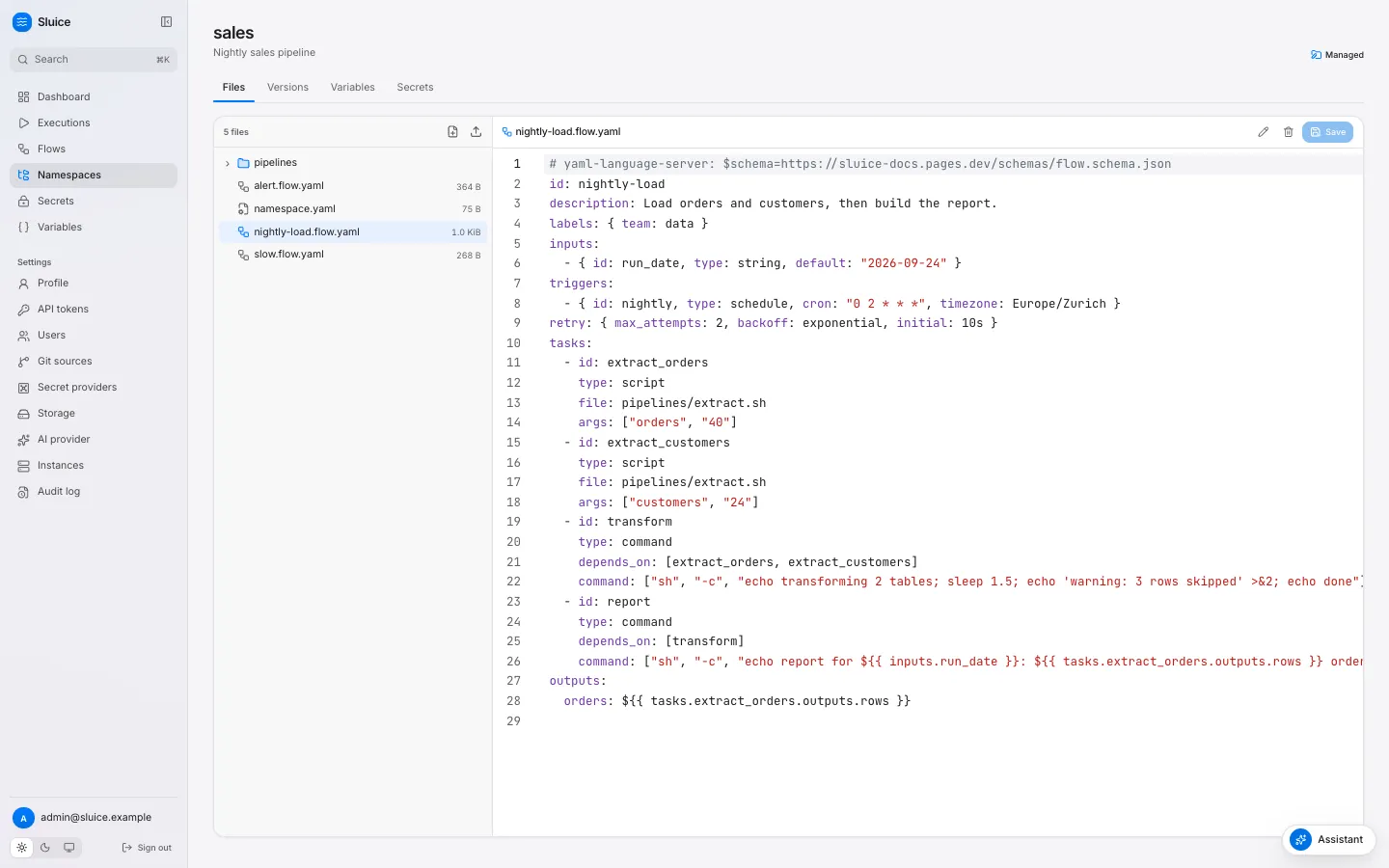
Section titled “A flow is a file”A flow is one YAML file in a namespace. The file name ends in .flow.yaml or .flow.yml, and the file can be in any directory of the namespace. One file holds one flow. The scripts that the flow runs are files in the same namespace, so a flow and its code change together in one version.
| Rule | Value |
|---|---|
Flow id |
Lower-case letters, digits and hyphens. It starts with a letter or a digit. At most 63 characters. |
Unique id |
Two files with the same id in one namespace are both invalid (duplicate_flow_id). |
| Tasks | From 1 to 200. |
| Paths in the flow | Relative to the namespace root. No leading /, no .. segment, at most 512 characters. |
A flow does not run on its own. A trigger creates an execution from it: a click on Run, a schedule, a webhook call, the end of another flow, or a subflow task. Executions and states explains what happens then.
Task types
Section titled “Task types”Every task has an id and a type. The type decides where the task runs and which fields it takes.
| Type | What it does | Required field | Runs on |
|---|---|---|---|
script |
Runs a file of the namespace with a runtime. | file |
An executor. |
command |
Runs an argv list. There is no shell. | command |
An executor. |
http |
Sends one HTTP request. | url |
The server instance that claims the task. |
subflow |
Starts another flow as a child execution. | flow |
The server instance that claims the task. |
A field of another type fails validation with field_not_allowed, for example url on a script task.
A script task picks its runtime from runtime, or from the file extension:
runtime |
Extension | Command |
|---|---|---|
python |
.py |
uv run <file> <args> |
bash |
.sh |
bash <file> <args> |
bun |
.ts |
bun run <file> <args> |
node |
.js, .mjs, .cjs |
node <file> <args> |
A file with another extension needs runtime (unknown_runtime). When the tool is not on the executor, the task fails with reason runtime_not_found.
A command task runs its argv list directly. To use pipes or globs, run a shell: ["sh", "-c", "wc -l data/*.csv"].
An http task records the outputs status, headers and body. The body holds at most 1 MiB, and a JSON body becomes a JSON value. A status outside expect_status, which defaults to 200 to 299, fails the task with reason http_status.
A subflow task names its child as <namespace>/<flow_id>. Chain flows shows how to use it.
script and command tasks run on an executor: a process, a Docker container or a Kubernetes Job. executor on an http or subflow task fails validation with executor_not_allowed. Executors, pools and the runner explains the executors.
Dependencies and run_if
Section titled “Dependencies and run_if”depends_on lists the tasks that must end before a task starts. Tasks without dependencies start at once. Independent tasks run in parallel, up to max_parallel. Validation rejects an unknown task, a task that depends on itself, a duplicate entry and a cycle.
When all dependencies have ended, run_if decides whether the task runs:
run_if |
The task runs when | Otherwise the task ends SKIPPED with |
|---|---|---|
success (default) |
every dependency ended SUCCESS. |
upstream_failed when a dependency ended FAILED, TIMED_OUT, CANCELLED or SKIPPED with upstream_failed. Else run_if_not_met. |
failure |
at least one dependency ended FAILED or TIMED_OUT. |
run_if_not_met |
always |
every dependency has ended, in any state. | — |
A task with run_if: failure and no dependencies never runs.
The execution ends SUCCESS when every task ended SUCCESS, or SKIPPED with run_if_not_met. So a cleanup task with run_if: failure does not turn a good run into a failure. Any other end state of a task makes the execution FAILED.
id: load-with-alerttasks: - id: load type: script file: pipelines/load.py - id: publish type: command depends_on: [load] command: ["echo", "published"] - id: alert type: http depends_on: [load] run_if: failure method: POST url: ${{ vars.ALERT_URL }} body: '{"text": "load failed in ${{ execution.id }}"}'When load succeeds, publish runs and alert ends SKIPPED with run_if_not_met. The execution is SUCCESS. When load fails, alert runs and publish ends SKIPPED with upstream_failed. The execution is FAILED.
Inputs
Section titled “Inputs”Inputs are the parameters of a flow. A trigger gives their values, and Sluice checks the values before it creates the execution.
Input type |
Accepts |
|---|---|
string |
A string. |
int |
A whole number. |
number |
Any number. |
boolean |
true or false. |
select |
One of the values of the input. |
json |
Any JSON value. |
An unknown input, a value of the wrong type, or a missing required input without a default rejects the trigger. A manual run then returns 422 validation_failed with one detail for each input. A default that does not match its type fails validation with invalid_input_default.
The Run dialog on the flow page shows one field for each input. sluice run sales/nightly-load --input run_date=2026-09-24 gives an input from the command line.
An optional input without a default and without a value has no value. A template that reads it fails the task with template_error.
Environment
Section titled “Environment”The environment of a task comes from three maps. A later map overrides an earlier map key by key:
defaults.envofnamespace.yaml.- The flow
env. - The task
env.
The values are templates, and they accept secret(). That makes env the place for credentials: the task reads a secret as an environment variable, and the secret never appears in args or command.
Sluice also sets these variables for every script and command task:
| Variable | Value |
|---|---|
SLUICE_EXECUTION_ID |
The execution ID. |
SLUICE_TASK_ID |
The task ID. |
SLUICE_ATTEMPT |
The attempt number, from 1. |
SLUICE_NAMESPACE |
The namespace of the flow. |
SLUICE_FLOW_ID |
The flow ID. |
SLUICE_OUTPUTS |
The path of the outputs file. Pass data between tasks explains it. |
SLUICE_WORKDIR |
The directory that holds the namespace files. |
Some tools read their configuration from a file, for example a dbt profiles.yml. The files map of a script or command task writes such files before the task starts. Each key is a path relative to the namespace root. Each value is a template, and it accepts secret().
id: dbt-runtasks: - id: dbt_run type: command command: ["dbt", "run", "--profiles-dir", "."] files: profiles.yml: | warehouse: target: prod outputs: prod: type: postgres host: ${{ vars.DB_HOST }} password: ${{ secret('DB_PASSWORD') }}The runner writes each file into the working directory with mode 0600, and it creates the parent directories. A file replaces a namespace file at the same path for this task only. The version of the namespace does not change. A key cannot hold a template (template_not_allowed), and a key that is not a valid relative path fails with invalid_path.
Templates
Section titled “Templates”A template is ${{ expr }} in a string value. The expression is a lookup. It reads an input, a variable, a secret, a task output, a trigger field or a fact of the execution. There are no operators. This keeps a flow file readable and lets the validator check every reference before anything runs.
Sluice renders the templates of a task when it dispatches the task, not when you save the flow. Thus a task reads the current value of a variable or a secret, and the outputs of the tasks that ended before it. A lookup that fails at that point fails the task with template_error, and no process starts. Templates lists every expression and the fields that accept it.
Validation
Section titled “Validation”Sluice validates a flow in three places, with the same code and the same error codes:
| Place | When | What you see |
|---|---|---|
| The namespace editor | While you type in a flow file or namespace.yaml. |
A list of errors under the editor, each with line, column, code and message. |
| The server | At each save, push or git sync. | The flow page shows Invalid and an Errors table. The triggers of the flow are inactive, and Run returns 422 flow_invalid. |
sluice validate <dir> |
On your machine or in CI, without a server. | One line for each file. The exit code is 1 when a file is invalid. |
The server keeps an invalid flow, so you can see and fix it. An invalid flow starts no new executions until a valid version replaces it. Executions that already run keep the definition that they pinned.
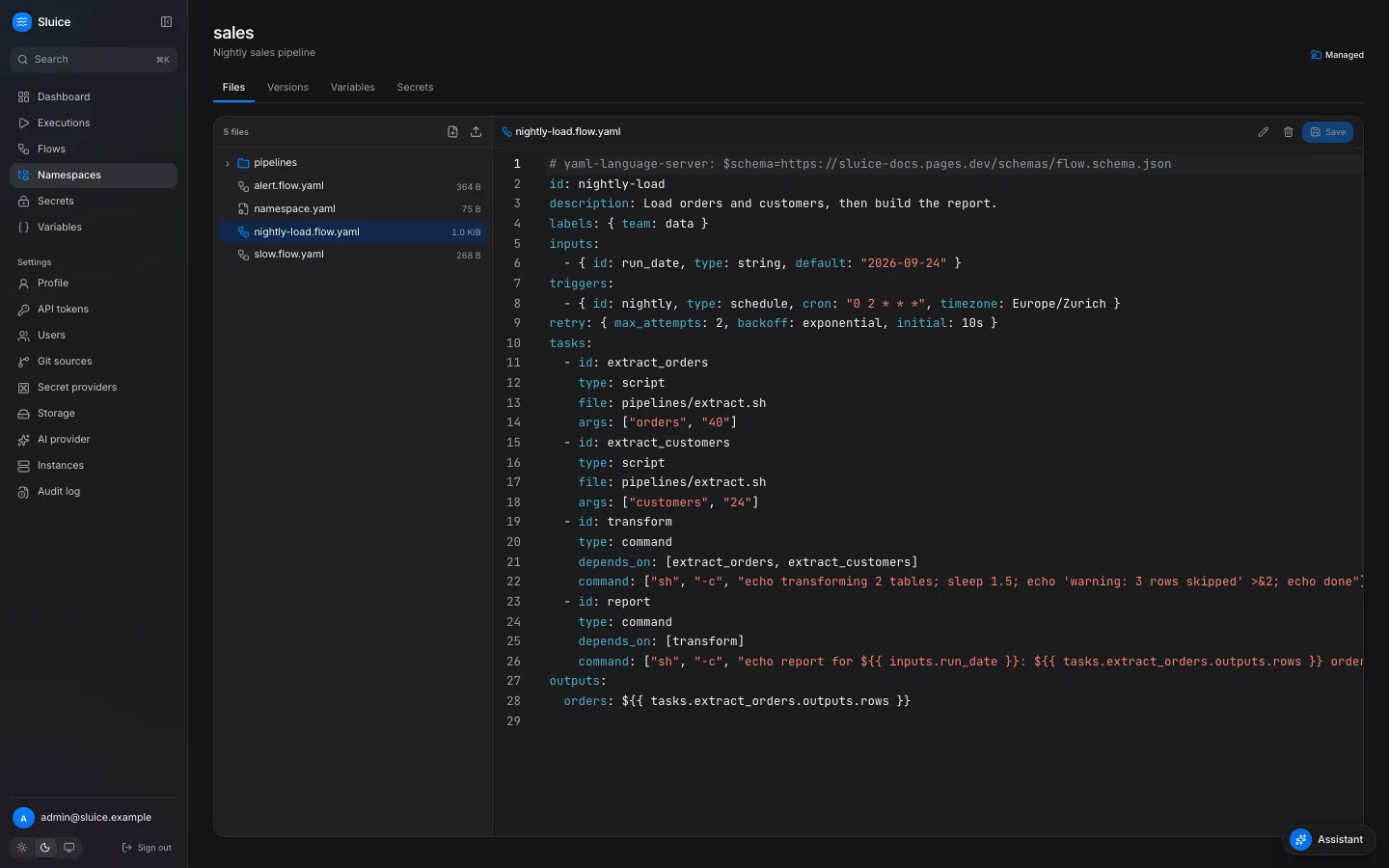
sluice validate examples/elt/namespacesluice validate examples/elt/namespace --json--json prints an object that matches the validate result schema. The flow schema also helps an editor or a coding agent. Add this line at the top of a flow file to get completion and checks in editors that support it: # yaml-language-server: $schema=https://sluice-docs.pages.dev/schemas/flow.schema.json.