
Pass data between tasks
Copy page
This guide shows you how a task reports data to Sluice, and how later tasks and other flows use it. A task can emit three kinds of data:
| Kind | What it is | Where it goes |
|---|---|---|
| Output | A named JSON value, for example a row count or a file name. | Templates of later tasks, the flow outputs, the Outputs tab. |
| Metric | A named number with a unit and tags. | The Metrics tab and the metric chart of the flow page. |
| Artifact | A file that the task wrote, for example a report. | The Artifacts tab, for download. |
Write to the outputs file
Section titled “Write to the outputs file”Sluice puts the path of an empty file into the variable SLUICE_OUTPUTS of each script and command task. The task appends one JSON object per line to that file. The runner reads the file after the process ends and sends the data to the server.
{"type":"output","key":"rows","value":1234}{"type":"metric","name":"rows_loaded","value":1234,"unit":"rows","tags":{"table":"orders"}}{"type":"artifact","path":"out/report.html","name":"report.html","content_type":"text/html"}import json, os
def emit(line): with open(os.environ["SLUICE_OUTPUTS"], "a") as f: f.write(json.dumps(line) + "\n")
emit({"type": "output", "key": "rows", "value": 1234})emit({"type": "metric", "name": "rows_loaded", "value": 1234, "unit": "rows", "tags": {"table": "orders"}})emit({"type": "artifact", "path": "out/report.html", "content_type": "text/html"})echo '{"type":"output","key":"status","value":"ok"}' >> "$SLUICE_OUTPUTS"echo "{\"type\":\"metric\",\"name\":\"files\",\"value\":$(ls data | wc -l)}" >> "$SLUICE_OUTPUTS"import { appendFileSync } from "node:fs";
const emit = (line: object) => appendFileSync(process.env.SLUICE_OUTPUTS!, JSON.stringify(line) + "\n");
emit({ type: "output", key: "rows", value: 1234 });emit({ type: "metric", name: "rows_loaded", value: 1234, unit: "rows" });The task can write the lines at any time while it runs. The runner reads them only once, after the process ends. An http task writes no file: Sluice records its outputs status, headers and body. A subflow task gets the outputs of its child.
Line rules
Section titled “Line rules”Line type |
Fields | Limits |
|---|---|---|
output |
key, value (any JSON value) |
key has 1 to 256 characters. All outputs of a task together: at most 1 MiB. |
metric |
name, value (a number), unit, tags |
name matches ^[a-z][a-z0-9_.]{0,99}$. At most 8 tags. A tag value has at most 128 characters. At most 10 000 metrics per task. |
artifact |
path, name, content_type |
path is relative to the working directory. name defaults to the file name of path and matches ^[A-Za-z0-9][A-Za-z0-9._-]{0,199}$. The file has at most SLUICE_MAX_ARTIFACT_BYTES, 100 MiB by default. |
A line that breaks a rule does not change the result of the task. The runner skips the line and writes a warning to the task log, for example:
[sluice] warning: outputs line 4: invalid JSON[sluice] warning: outputs line 7: invalid metric name "Rows"When an output key appears twice, the later line wins.
Sluice masks secret values in output values, metric tag values and artifact files before it stores them. Metric names and numbers stay as they are.
Read an output in a later task
Section titled “Read an output in a later task”A task reads an output of another task with ${{ tasks.<task_id>.outputs.<key> }}. The other task must be a dependency, direct or through other tasks. Otherwise validation fails with output_reference_not_dependency.
id: load-and-checktasks: - id: extract type: script file: pipelines/extract.py - id: check type: command depends_on: [extract] command: ["sh", "-c", "test \"$ROWS\" -gt 0"] env: ROWS: ${{ tasks.extract.outputs.rows }} - id: notify type: http depends_on: [check] method: POST url: https://hooks.example.com/loaded body: '{"rows": ${{ tasks.extract.outputs.rows }}}'A string value renders as it is. A number, boolean, object or list renders as compact JSON. Thus body above sends {"rows": 1234}.
A task that reads an output which the dependency did not emit fails with reason template_error, and its process does not start. When a dependency ran several attempts, the template reads the outputs of the last attempt.
Declare flow outputs
Section titled “Declare flow outputs”The outputs map of a flow names the results of the whole execution. Each value is a template, and it can read the outputs of any task.
id: nightly-loadtasks: - id: extract_orders type: script file: pipelines/extract.sh args: ["orders"]outputs: orders: ${{ tasks.extract_orders.outputs.rows }}Sluice renders the flow outputs when the execution succeeds. A JSON number, boolean, object or list becomes a typed value. Other text stays a string. A template that fails to render ends the execution FAILED with reason output_error.
Flow outputs reach three places:
- A downstream flow reads them as
trigger.outputs. See Chain flows. - A parent
subflowtask gets them as its own outputs. - The execution API and
sluice executions get --output jsonreturn them asoutputs.
See the data in the UI
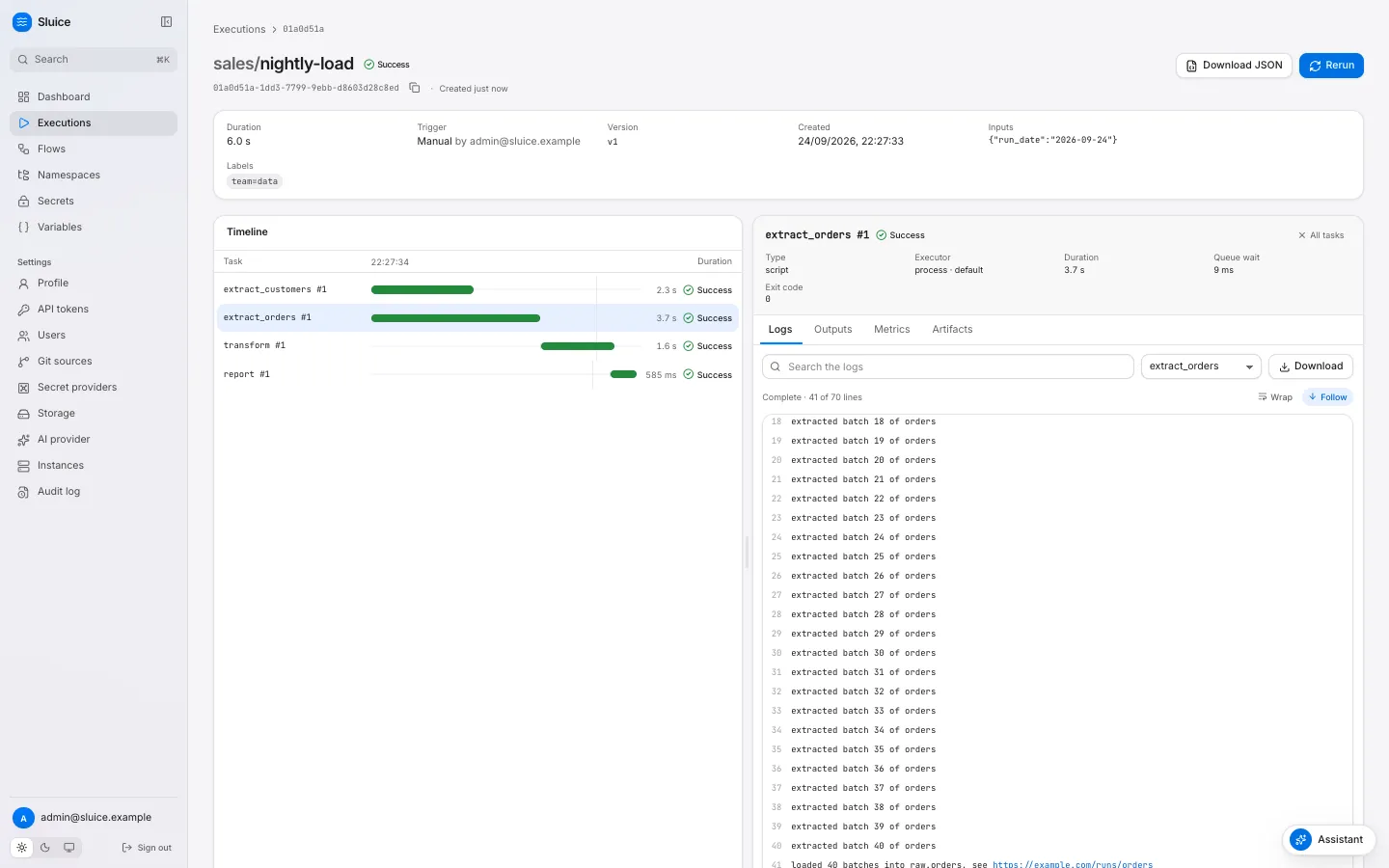
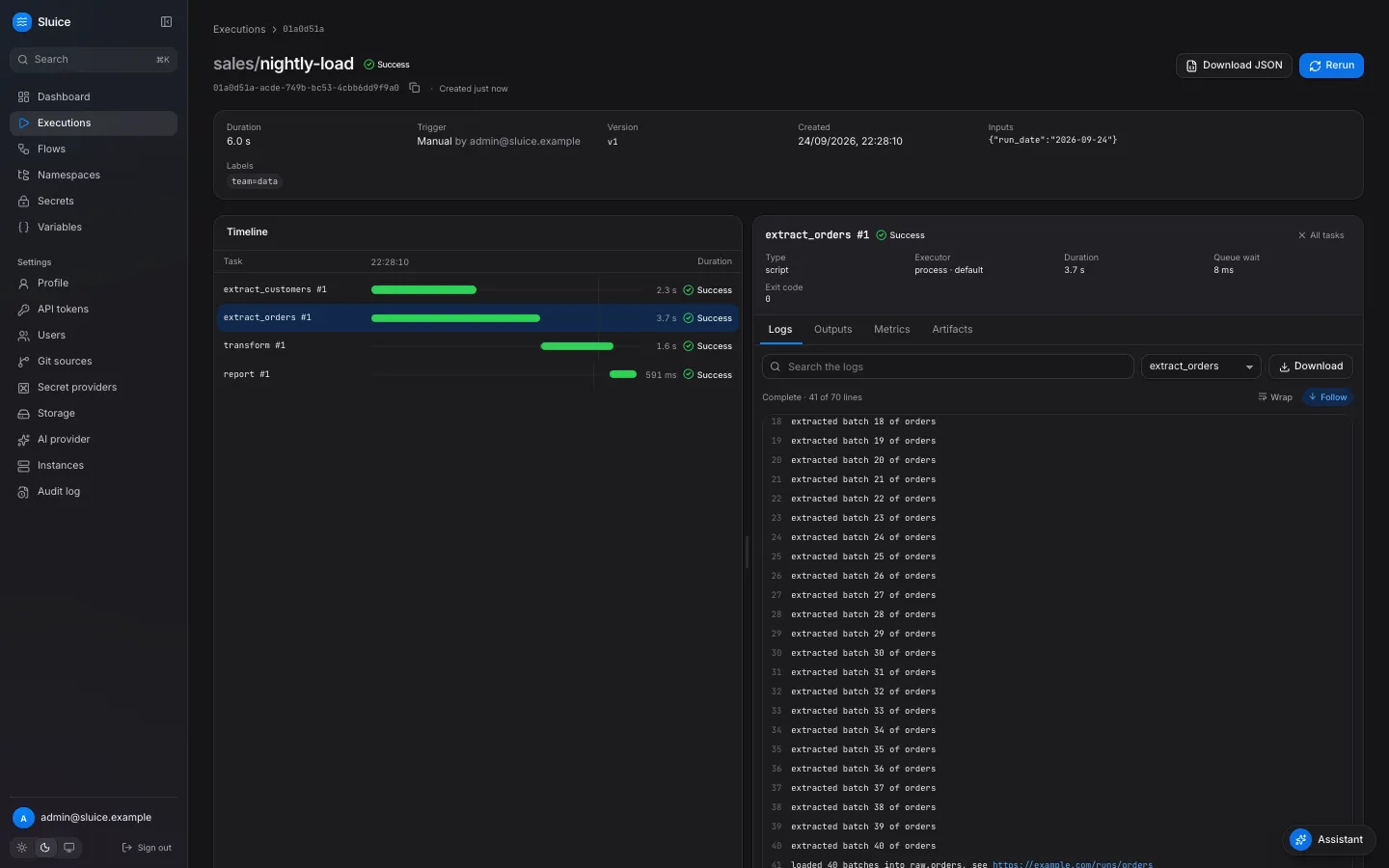
Section titled “See the data in the UI”The execution page has an inspector with four tabs: Logs, Outputs, Metrics and Artifacts. Select a task in the Timeline to filter the tabs to that task. Click the bar again, or click All tasks, to see all tasks.
| Tab | Shows |
|---|---|
| Outputs | Without a selected task: Execution outputs, that is the flow outputs. Then the outputs of each attempt as JSON, for example extract_orders #1. |
| Metrics | One row for each metric line: task, name, value, unit and tags. |
| Artifacts | One row for each artifact: name, task, size and content type, with Download. |
Chart a metric over executions
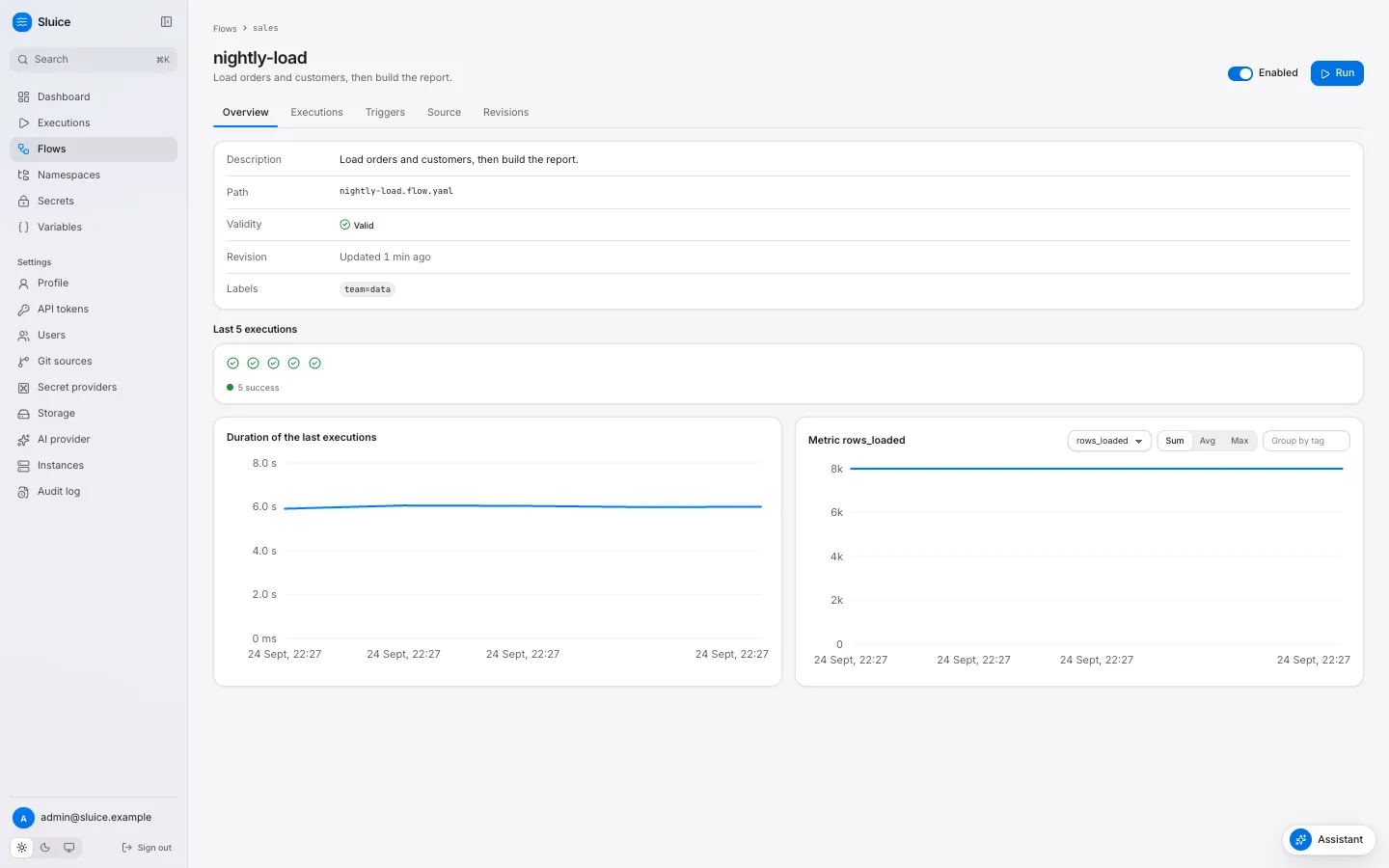
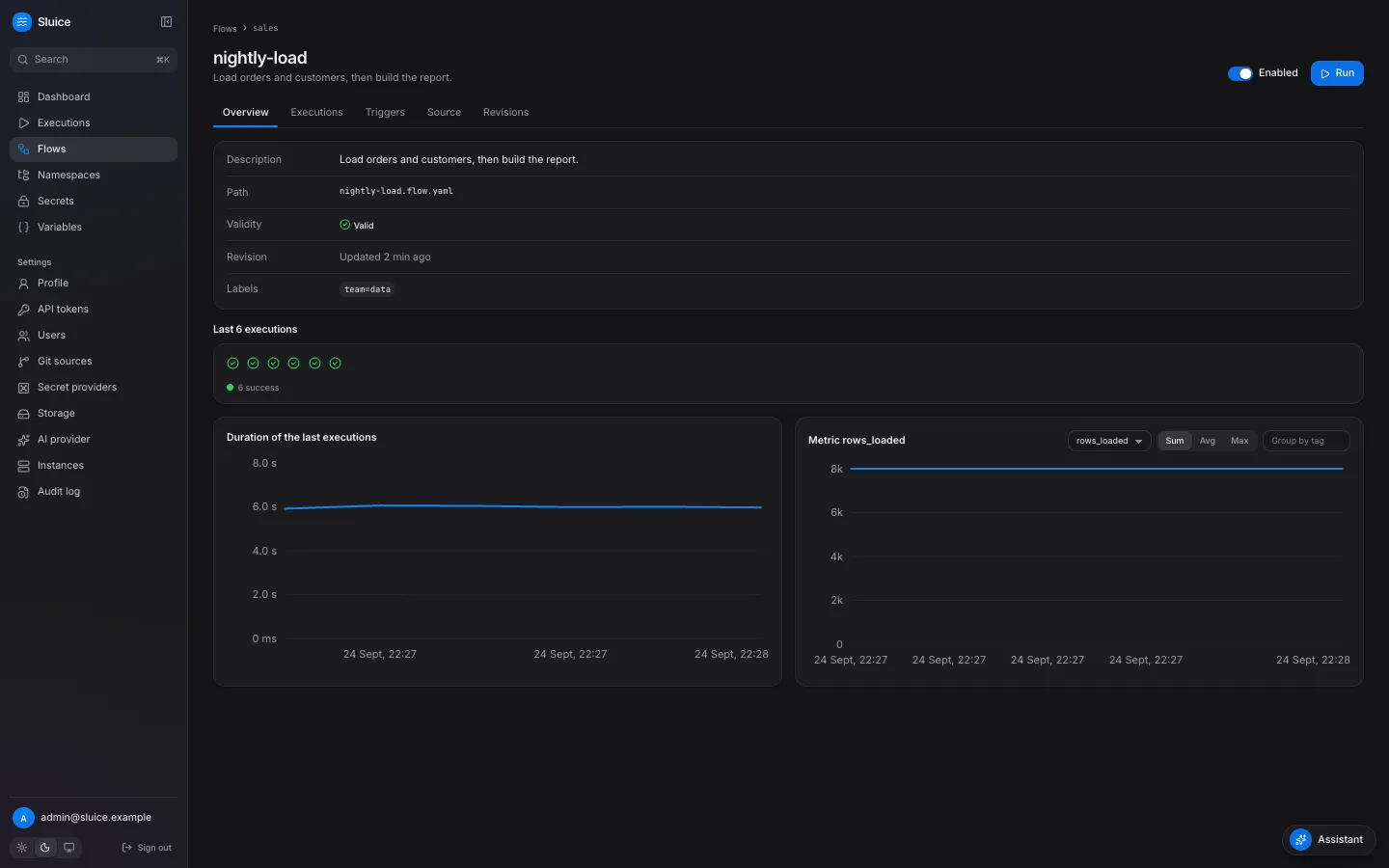
Section titled “Chart a metric over executions”The Overview tab of a flow page has a metric chart next to the duration chart. It shows one point for each of the last 50 executions of the flow.
-
Select the metric in the list. The list holds every metric name that the flow has reported.
-
Select the aggregation: Sum, Avg or Max. Sluice combines all lines of that metric in one execution, over all tasks and attempts.
-
Optional: type a tag key in Group by tag, for example
table. The chart then draws one line for each tag value.
The same data comes from GET /api/v1/flows/{namespace}/{flowId}/metrics?name=rows_loaded&agg=sum&group_by=table.